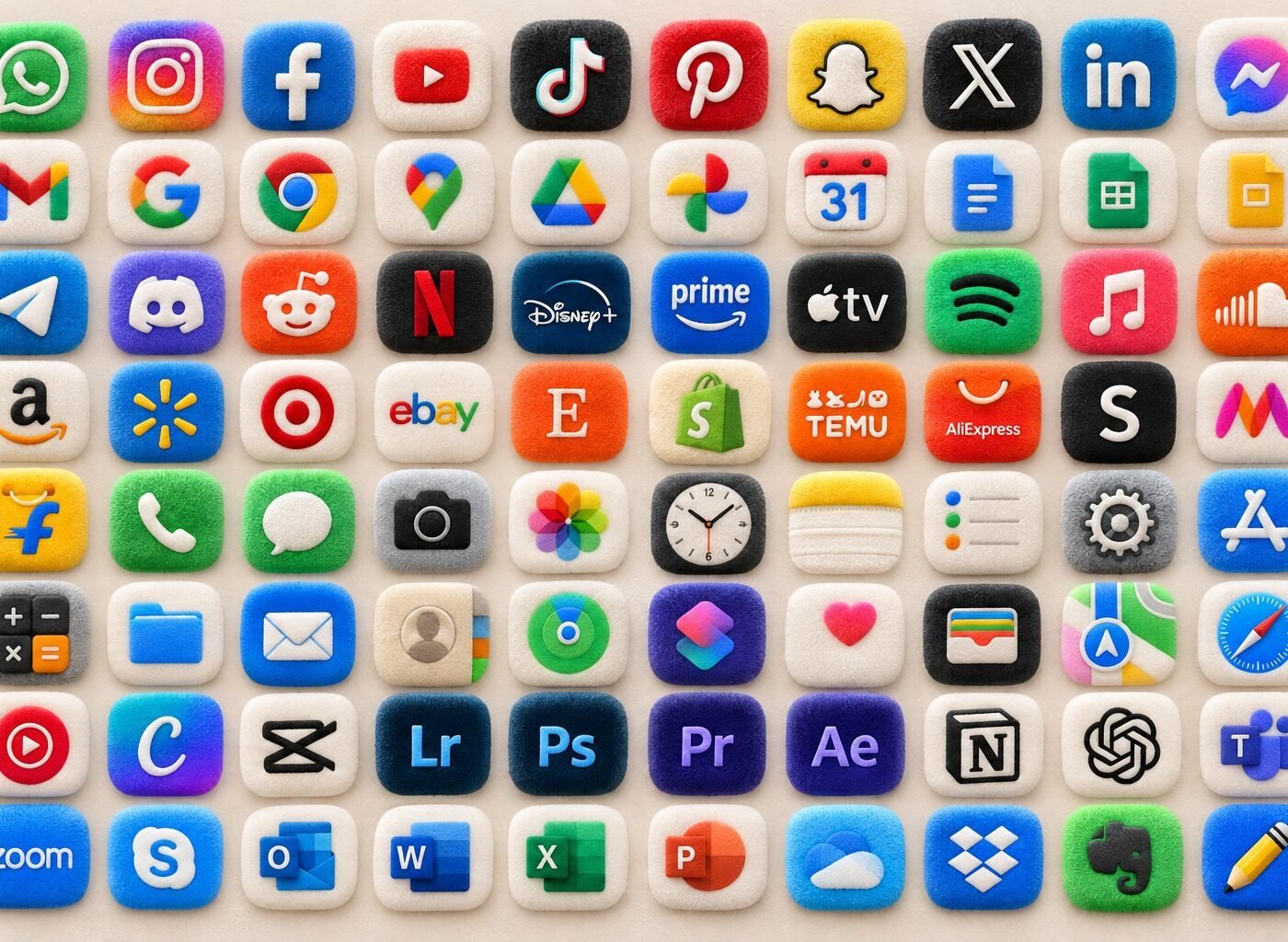
If your iPhone home screen is practical but not very personal, this free fluffy app icon pack is an easy reset. The collection turns everyday apps into soft, fuzzy little cushions in bright blue, cream, pink, green, red and black—then pairs them with a pastel plush wallpaper so the finished screen feels cozy rather than chaotic.
Free instant download
Get the complete fluffy icon pack
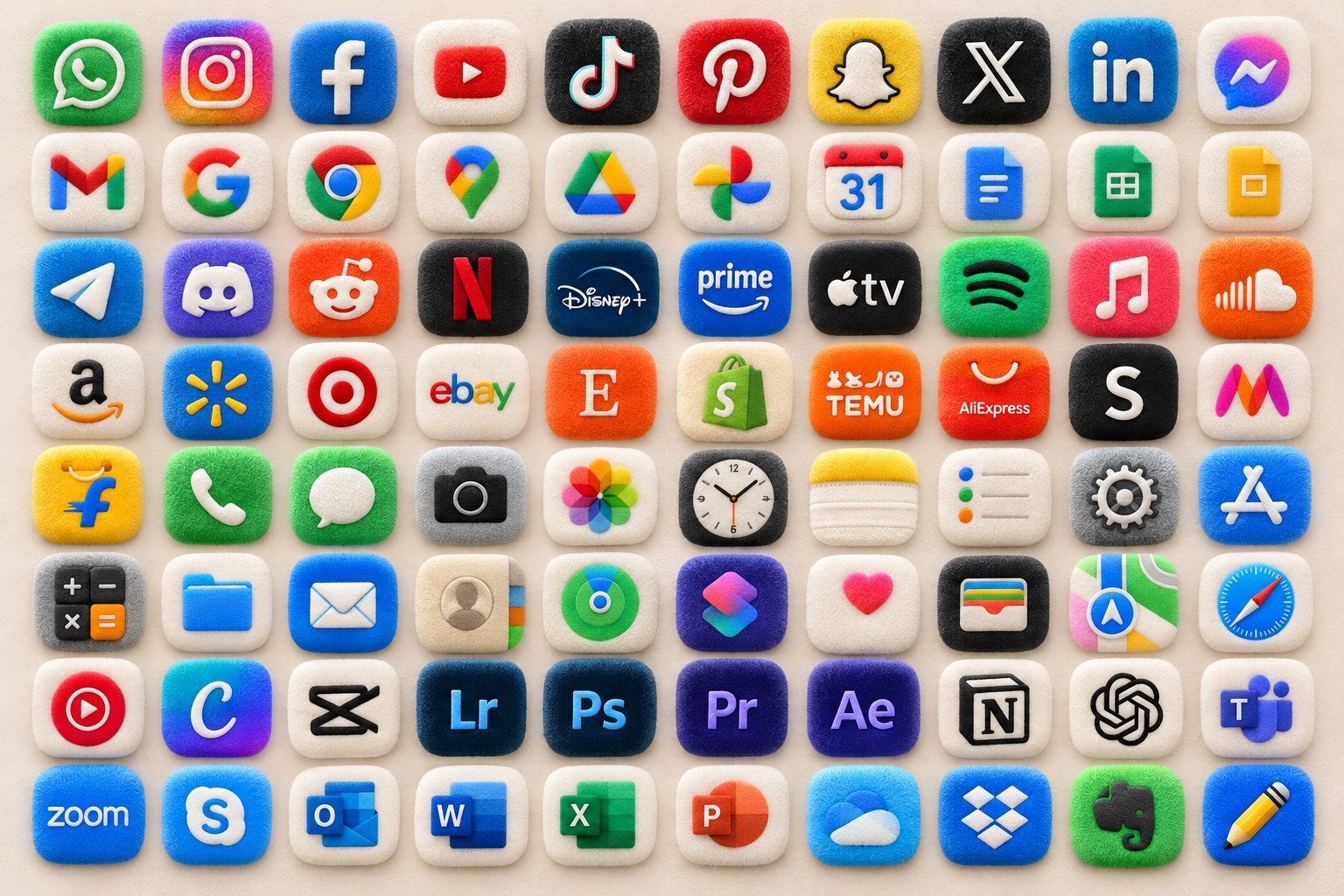
Download all 107 icons in one organised ZIP. The files work as custom shortcut images on iPhone and can also be used for personal home-screen customisation on compatible devices.
JPG format · approximately 9 MB · personal use only · no account required
Inside the download
A fluffy app icon pack built for a real home screen
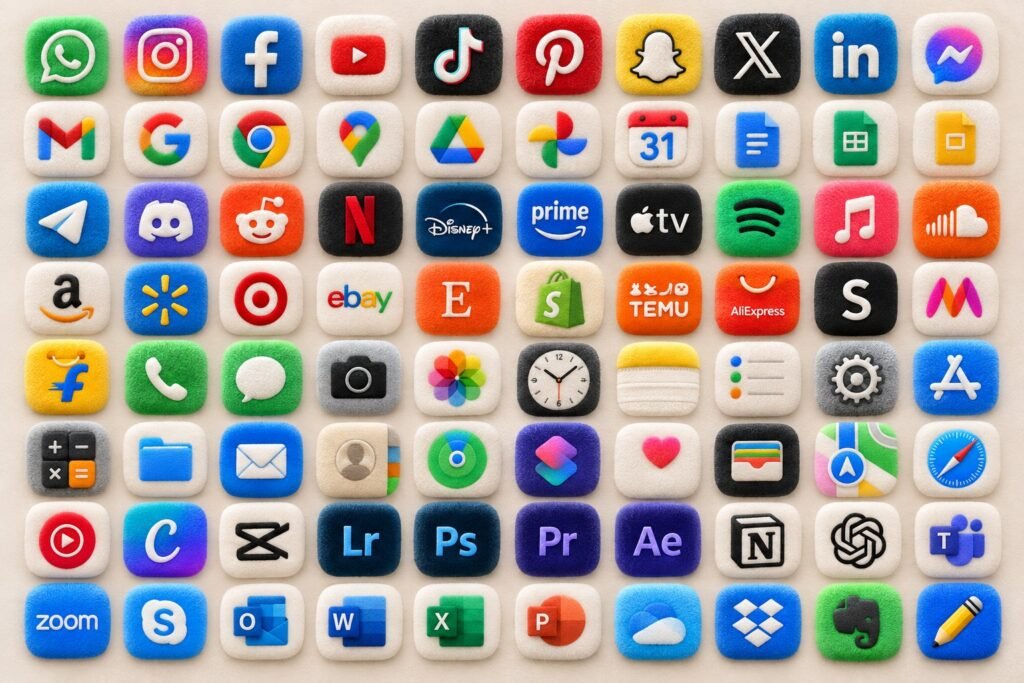
The pack covers the apps most people reach for every day, not just a handful of social icons. You will find communication, Google tools, entertainment, shopping, creative software and core phone utilities. That means you can theme a full screen without leaving obvious mismatched gaps.
Social & chat
WhatsApp, Instagram, Facebook, Pinterest, Snapchat, TikTok, X, LinkedIn, Messenger, Telegram, Discord and Reddit.
Music & streaming
YouTube, Netflix, Disney+, Prime Video, Apple TV, Spotify, Apple Music, SoundCloud and YouTube Music.
Google & productivity
Google, Gmail, Chrome, Maps, Drive, Photos, Calendar, Docs, Sheets, Slides, Outlook, Word, Excel, PowerPoint, OneDrive and Dropbox.
Creative apps
Canva, CapCut, Lightroom, Photoshop, Premiere Pro, After Effects, Notion and a selection of creator favourites.
iPhone essentials
Phone, Messages, Camera, Clock, Notes, Reminders, Settings, App Store, Calculator, Files, Mail, Contacts, Find My, Shortcuts, Health, Wallet, Maps and Safari.
Shopping & everyday
Amazon, Walmart, Target, eBay, Etsy, Shopify, Temu, AliExpress, SHEIN, Myntra, Flipkart and more.
Best-looking setup: choose one dominant colour for the first screen, then use cream icons as visual pauses. Keeping the same wallpaper across every page makes mixed icon colours feel intentional.
Tap, save, style
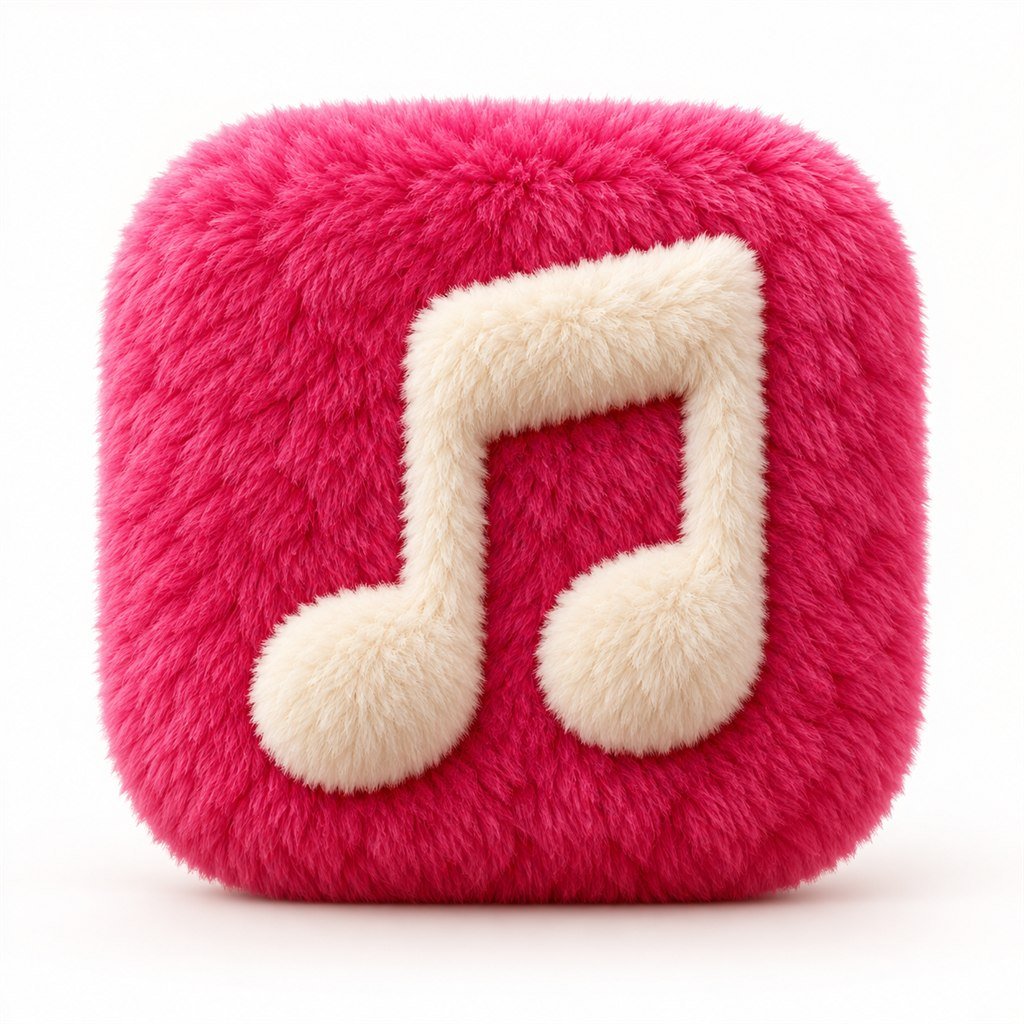
Preview 27 high-resolution fluffy app icons
Want only a few icons instead of the complete ZIP? Save any favourite below. On iPhone, touch and hold the image, then choose Save to Photos. On desktop, open the image and save it before sending it to your phone.




More inside the ZIP
80 additional fluffy icons
The compact collection fills in shopping, office, creative, entertainment and system apps. Downloading the full pack is the quickest way to keep filenames organised while you build your theme.
- Numbered filenames keep the folder easy to scan.
- Square JPG files are ready to choose from Photos.
- A read-me file repeats the setup steps offline.
Five-minute setup
How to change app icons on iPhone with Shortcuts
Custom icons do not replace the app itself. They create a Home Screen shortcut that opens the app, so your original app stays safely in the App Library. Apple’s own Shortcuts guide confirms that a custom photo can be used for a Home Screen shortcut icon. Menu wording can vary slightly between iOS versions.
-
Save your images.Download the ZIP, open it in Files and save the icons you plan to use to Photos. You can also touch and hold an individual icon in the gallery above.
-
Create an “Open App” shortcut.Open the Shortcuts app, tap the plus button, choose Add Action, search for Open App and select the app you want to theme.
-
Add it to the Home Screen.Open the shortcut details or sharing menu and choose Add to Home Screen.
-
Choose the fluffy image.Tap the icon preview, choose Choose Photo, pick the matching fluffy icon and enter the app name.
-
Tidy the original icon.After checking that the shortcut opens correctly, touch and hold the original app icon and choose Remove from Home Screen. It remains available in the App Library.
Matching free wallpaper
Finish the soft, cosy home-screen look
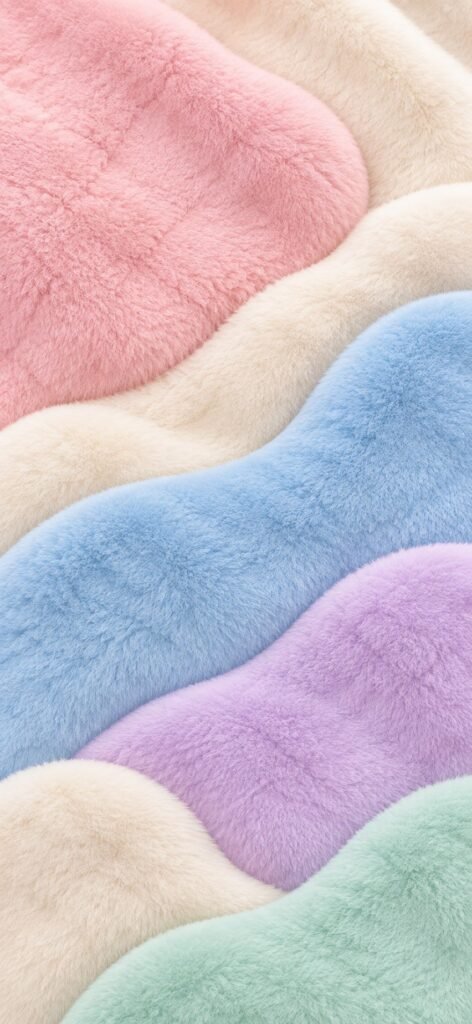
The vertical wallpaper uses dusty pink, cream, baby blue, lavender and mint waves. Its quiet centre gives app labels room to breathe, while the plush texture keeps the screen connected to the icons.
Styling idea: put brighter social icons on the cream and pale-blue areas, then use black or grey icons near the pink edge for contrast. A small calendar or weather widget looks best over the light central band.
Download the matching wallpaper
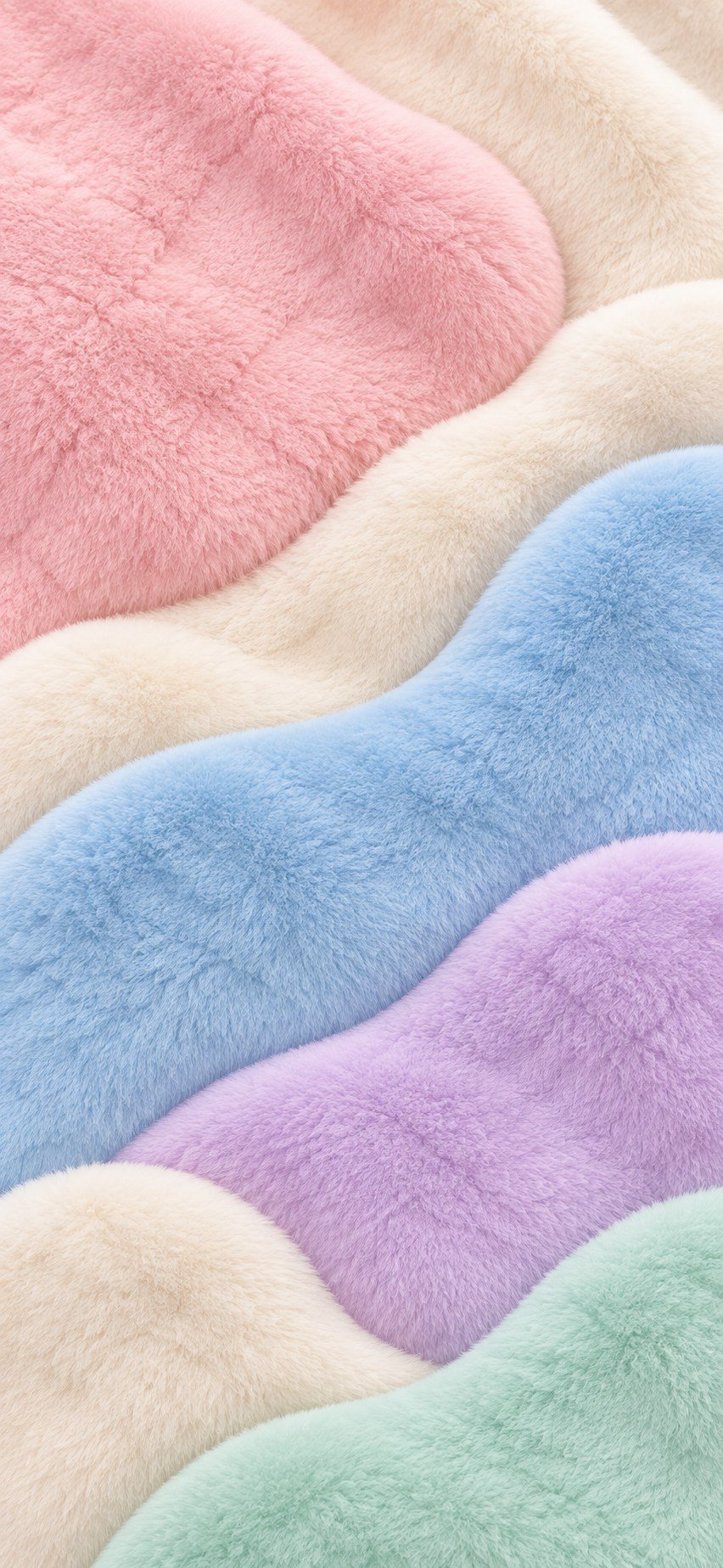
864 × 2048 JPG · crop position can be adjusted when you set it as wallpaper
Make it feel designed
Three easy fluffy home-screen layouts
Pastel cloud
Use cream, baby blue and pink icons only. Add the fluffy wallpaper and keep one medium calendar widget at the top. This is the calmest option.
Bright pop
Mix blue, red, green and yellow icons, but arrange them in colour rows. Repeat one cream icon in each row so the palette stays balanced.
Social-first
Keep Instagram, TikTok, Pinterest, YouTube and Messages on the first page; move shopping and work apps to page two. The screen looks cleaner and your most-used apps stay one tap away.
Helpful answers
Free fluffy app icon FAQs
Are these fluffy app icons really free?
Yes. The 107-icon pack and matching wallpaper are free to download for personal home-screen use. No email address or account is required.
Will the custom icon delete or change my real app?
No. The Shortcuts method creates a new Home Screen shortcut. Your installed app and its data stay unchanged, and the original icon can remain in the App Library.
Why is there no notification badge on my custom icon?
A custom Home Screen shortcut is not the original app icon, so badge behaviour can differ. Keep the original icon visible for apps where unread-count badges matter, or check notifications from Notification Centre.
Can I use these icons on iPad?
Yes. The same Shortcuts workflow is available on iPad. The square images can also be used in many Android launchers, although exact steps depend on the launcher.
Why do some apps have two versions in the ZIP?
The pack combines 80 broad-coverage icons with 27 larger-format favourites and utility extras. A few popular apps appear twice so you can choose the crop or resolution that looks best on your device.
Can I sell or repost this pack?
No. It is offered for personal home-screen customisation only. Please link friends to this page instead of re-uploading or reselling the files.
Your cozy screen starts here
Download the free fluffy iPhone icon pack
Start with the apps you use every morning, add the matching wallpaper, and live with the layout for a day before styling the rest. A home screen should feel cute and easy to use.